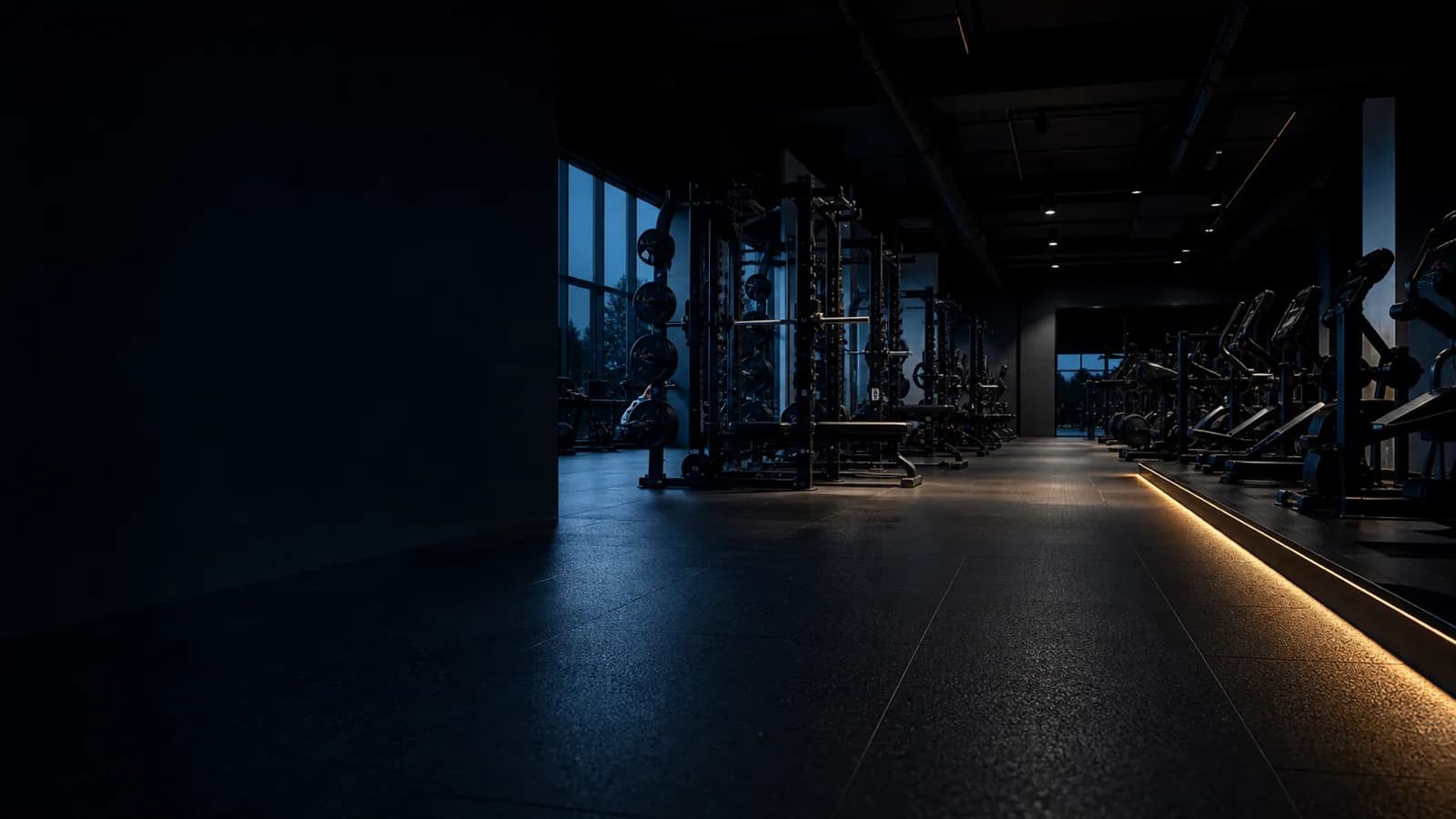
IT for fitness studios.
Access control, point of sale, member management, Wi-Fi and cameras all depend on technology that has to work at 5:30 in the morning. I look after it as your single point of contact, so you are not left mediating between five vendors.
Who looks after the IT when the gym opens at 5:30 a.m.?
If the access control does not open just after five in the morning, it does not help much that someone looks at the IT later that morning. Members are standing outside, the phone is ringing, and nobody can say straight away whether the problem is the terminal, the network or the management software.
A modern gym depends on a surprising amount of technology. As long as everything runs, it all looks manageable. It only gets difficult during an incident, and usually not because of the fault itself but because of the question of who is actually supposed to fix it.
What depends on technology in a gym
Eight areas that stay invisible day to day and all surface at once during an incident.
Access control
Turnstiles, terminals and locking systems, often with their own software, their own contract and their own hotline.
Member management
Contracts, direct debits, check-ins. Usually a cloud application that has to be reachable, otherwise reception stops.
Point of sale
Till system, card terminal, vending. Plus the German cash register and receipt obligations that come with them.
Network and Wi-Fi
One network for operations, a separate one for guests. In environments that grew over time these are often the same.
Video surveillance
Cameras at the entrance, outside and on the floor, with everything GDPR requires around them.
Audio and displays
Sound system, studio class technology, screens on the training floor. Immediately noticeable when it is missing.
Workstations
Machines at reception and in the office, printers, company phones, email, and the question of who can access what.
Backup
Everything above exists only until a disk fails or somebody opens the wrong attachment.
Five systems. Often five points of contact.
During an incident the software vendor says it is the network. The network provider points at the access system. The terminal manufacturer asks for logs that nobody has. And you sit in the middle trying to work out who to call.
That is where I see the value of managed IT. Not in paying for yet another helpdesk, but in having one person who knows the whole environment and takes responsibility for keeping it running. You should be running your gym, not acting as project manager for five IT vendors on the side.
What managed IT actually means here
Not buzzwords, but the work that genuinely comes up.
Separate operations and guest Wi-Fi properly
Operations and guests run on separate networks. A busy guest Wi-Fi then does not slow down the till, and guests never end up on the management network.
Monitor devices and servers
Monitoring across terminals, workstations, switches and servers, so a failure surfaces before it reaches the training floor in the morning.
Run updates predictably
Security updates in maintenance windows that fit gym operations, not unannounced and not during the early evening peak.
Test backups, not just configure them
Regular restore tests. A backup that has never been restored is not a safeguard, it is an assumption.
Set up video surveillance lawfully
Necessity, retention periods, access rights, signage and an entry in the record of processing activities.
Coordinate vendors
During an incident I talk to the software and hardware vendors involved, so you are not the one relaying between hotlines.
What this is built from
This industry page bundles services you can just as well commission individually.
IT infrastructure
Network, Wi-Fi, servers, Microsoft 365 and backup. Built, documented and looked after continuously.
Learn moreEndpoint management
Central management and monitoring of every workstation and terminal, including updates and security status.
Learn moreCustom software
Where standard software does not fit: your own tools and interfaces between the systems you already run.
Learn moreAI and automation
Automating recurring back-office work, from document processing to reporting.
Learn moreHow we start
Take stock
I look at what is there: network, devices, contracts, accounts, backups. Before the quote, not after it.
Set priorities
What is a genuine operational risk and what can wait. You decide what gets touched first.
Implement
Documented and in agreed maintenance windows, so the gym keeps running while it happens.
Operate
Monitoring, updates, backups and one point of contact who knows your environment.
What I commit to, and what I do not
I am a sole proprietor. You get one fixed point of contact who knows your environment, not a round-the-clock standby team. For most studios that is exactly right, and it is more honest than promising a 24/7 hotline that turns out to be an answering machine when it matters.
If your operation needs hard availability, for example a guaranteed response time for access control before opening, we agree that explicitly in a service agreement. Then it is in writing rather than something we recall differently during an incident. Until then, the response times on my support page are target values, not a commitment.
Either way, every engagement includes systems being documented and remotely manageable, and you owning your credentials, licences and contracts yourself. You should work with me because it works, not because switching would be too much effort.
See support and response times
Background reading
Four guides covering these topics in depth.
UniFi in business
Planning, separating and operating networks and Wi-Fi properly.
Video surveillance and GDPR
What cameras are allowed to do, which retention periods apply and what has to be documented.
RMM and managed services
How continuous monitoring and remote management actually work in a smaller business.
Sole proprietor or system house
An honest comparison, including the limits of both models.
Frequently asked questions
Do you look after multiple locations?+
Yes. As soon as a second studio joins, a single consistent design pays off: the same network structure, central monitoring and the same standards everywhere, instead of a separate grown solution at each site that only one person understands.
We already have management software. Do we have to switch?+
No. Your management software is a domain application that should be chosen on domain criteria, not IT criteria. My job is to make sure it runs reliably, is properly connected and backed up, and that somebody talks to the vendor when something breaks.
What does support cost?+
It depends on the number of locations, devices and systems in use. I look at the existing environment first and quote afterwards, rather than selling a package up front that may not fit. The initial consultation is free and without obligation.
How quickly do you respond to an incident?+
The usual target values are on the support page. Response times only become binding with a service agreement. I deliberately do not name a figure here that I would not also commit to contractually.
Are we even allowed to use cameras in the studio?+
In some areas yes, in others no, and everywhere only under conditions. The entrance and outdoor areas are assessed differently from the training floor, and changing rooms and sanitary areas are out of the question. What matters is necessity, retention period, access rights, signage and documentation in the record of processing activities.
Why a sole proprietor rather than a system house?+
Because you speak to the person who also does the work: no tickets being passed on, no changing contact, no explaining your environment from scratch each time. The limit of this model is round-the-clock availability, and we settle that openly in a service agreement rather than claiming it.
Talk about your gym
Tell me briefly which systems you run and where it hurts. I will get back to you.
Prefer to go direct:+49 371 2335002-0hi@glaeser-it.com
Look first, quote second
If your IT is currently handled ad hoc rather than to a plan, I will look at the existing environment before proposing any package. Free and without obligation, on site in Saxony or remote.